
Goliath offers end user monitoring and troubleshooting
solutions for your entire IT
infrastructure
We enable IT teams to switch from reactive to proactive when managing IT performance. Our industry-leading software, with embedded intelligence & automation, enables IT Pros to anticipate issues before they occur, provides the data to troubleshoot quickly when they do, and provides documentation to prove the true root cause. This allows IT to implement permanent fix actions and objectively report on the quality of the user experience they are delivering.
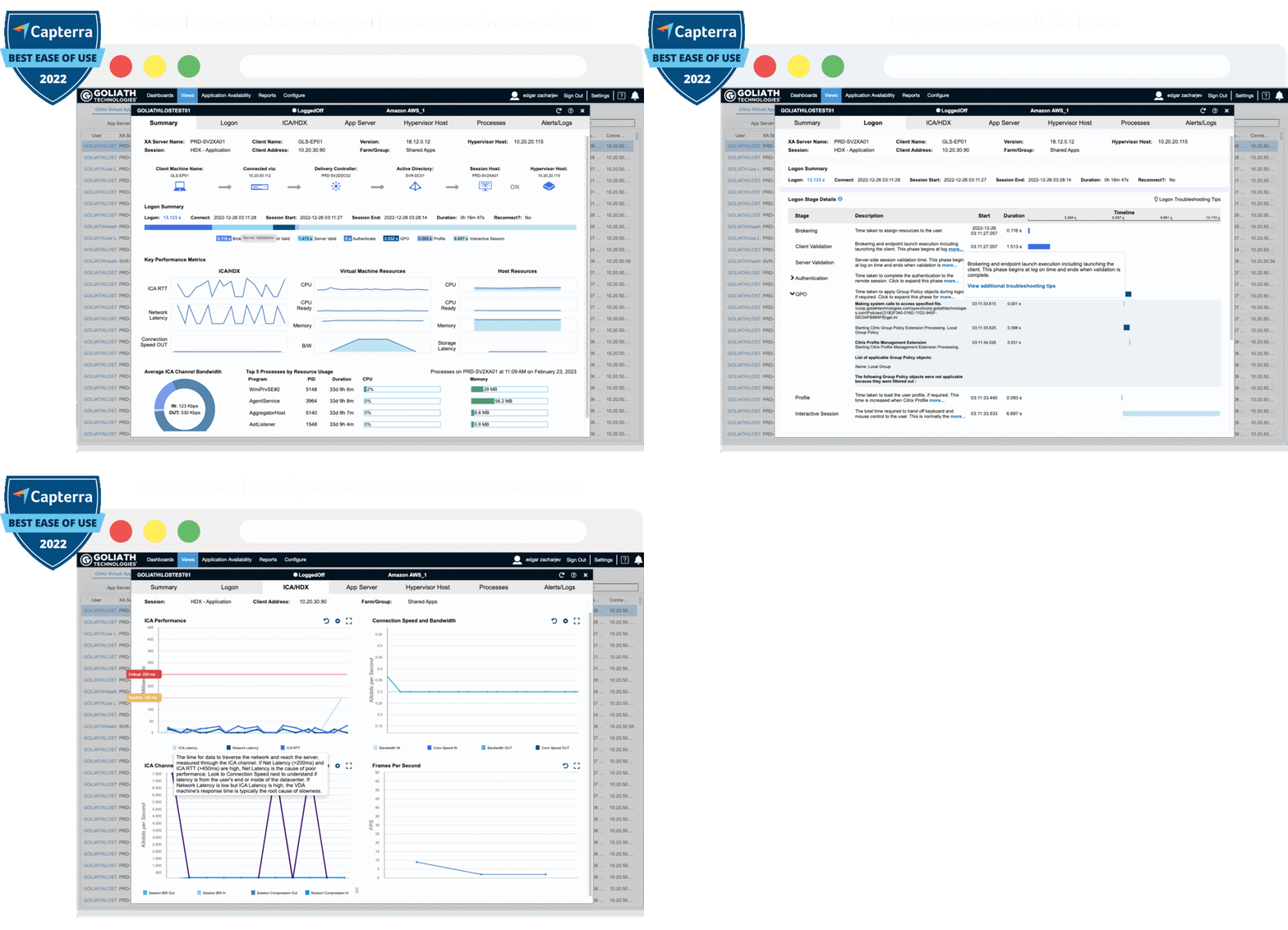
Anticipate, Troubleshoot, and Document End-User Experience Issues
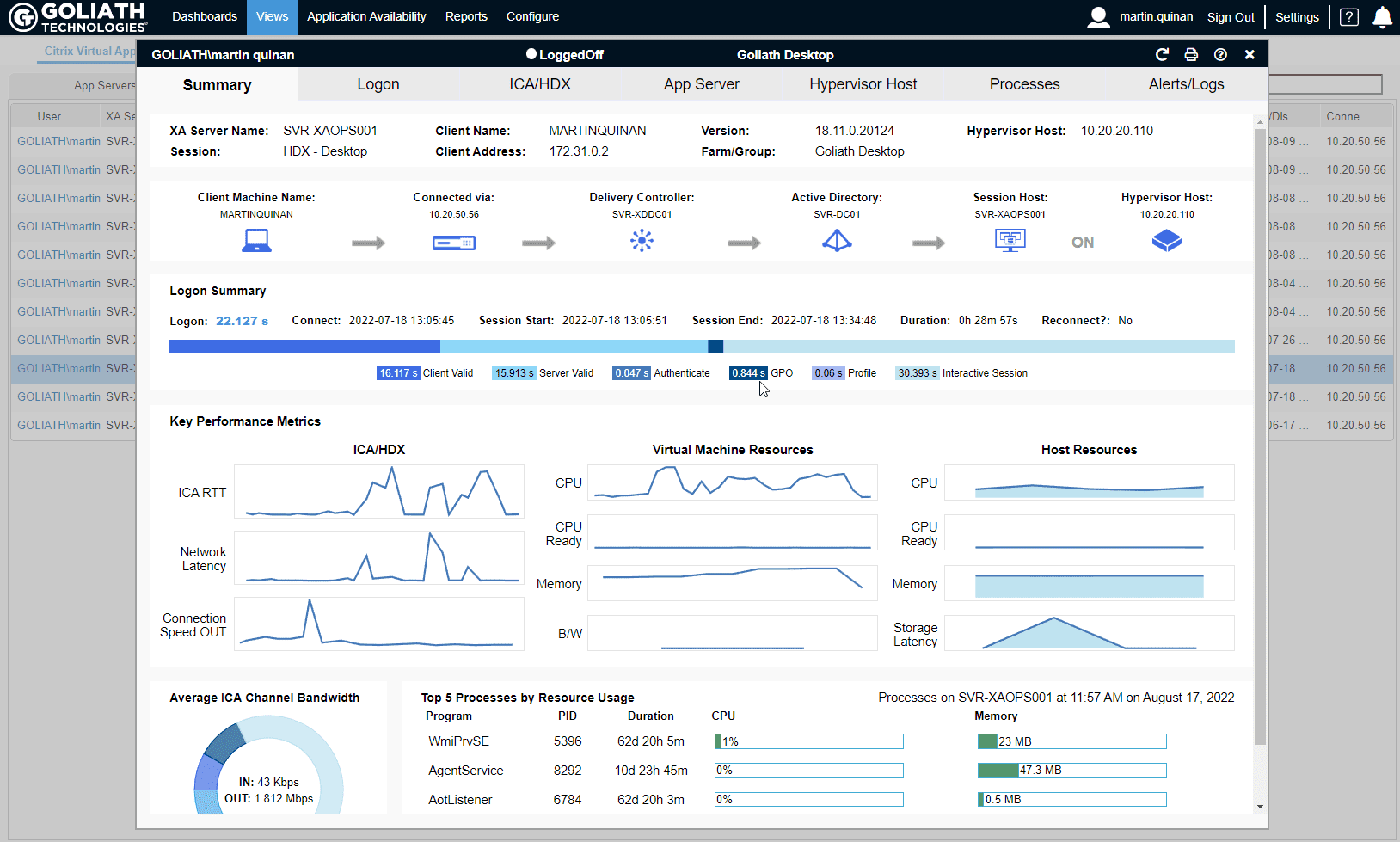
End-User Experience
Monitoring & Troubleshooting
Powerful, purpose-built software that enables IT pros to anticipate, troubleshoot, and document performance issues regardless of where workloads, applications, or users are located.
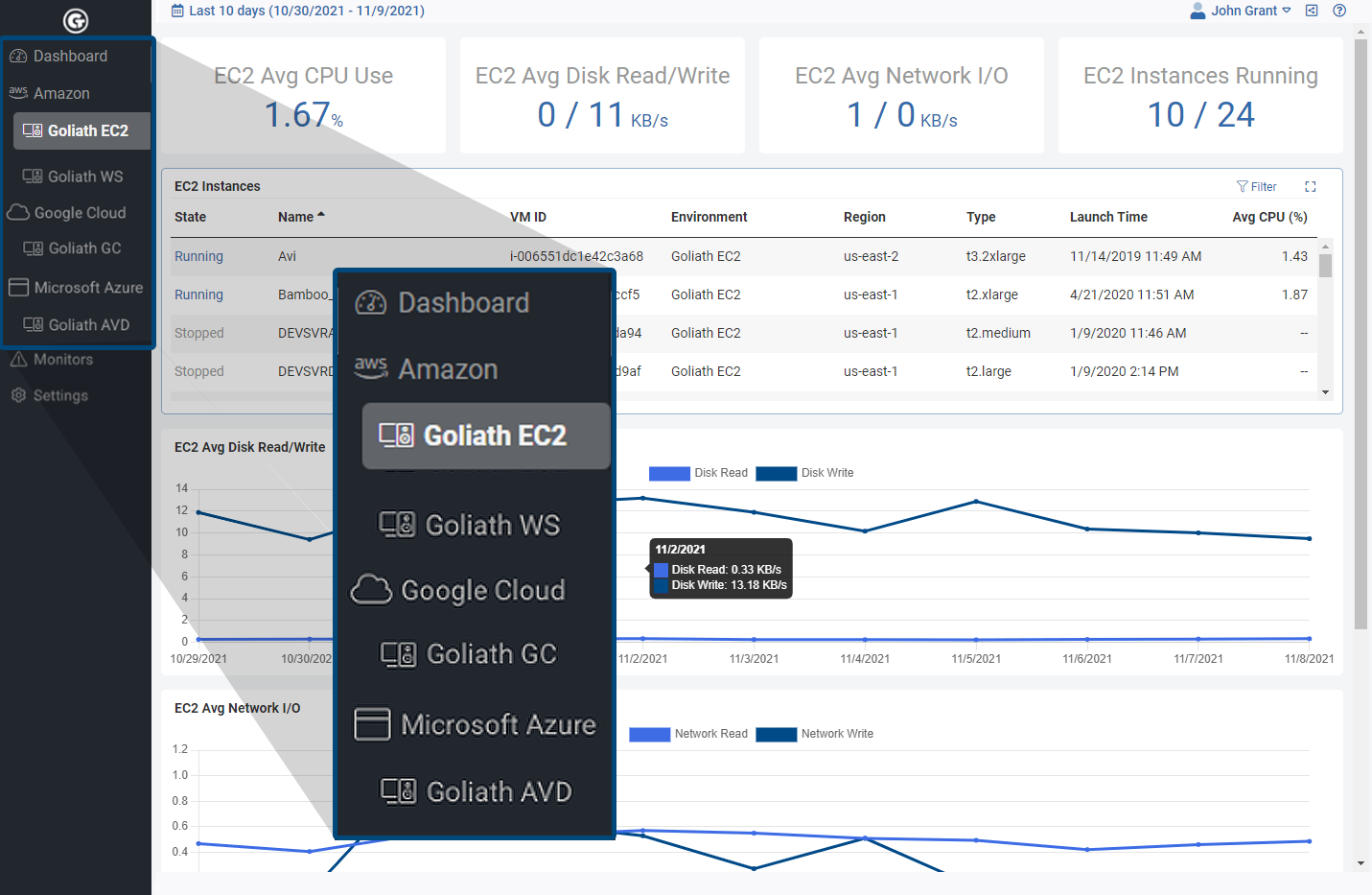
Cloud Monitoring & Troubleshooting
Simplify your cloud infrastructure monitoring with a quick to deploy and easy to use centralized SaaS platform for monitoring hybrid multi-cloud environments.
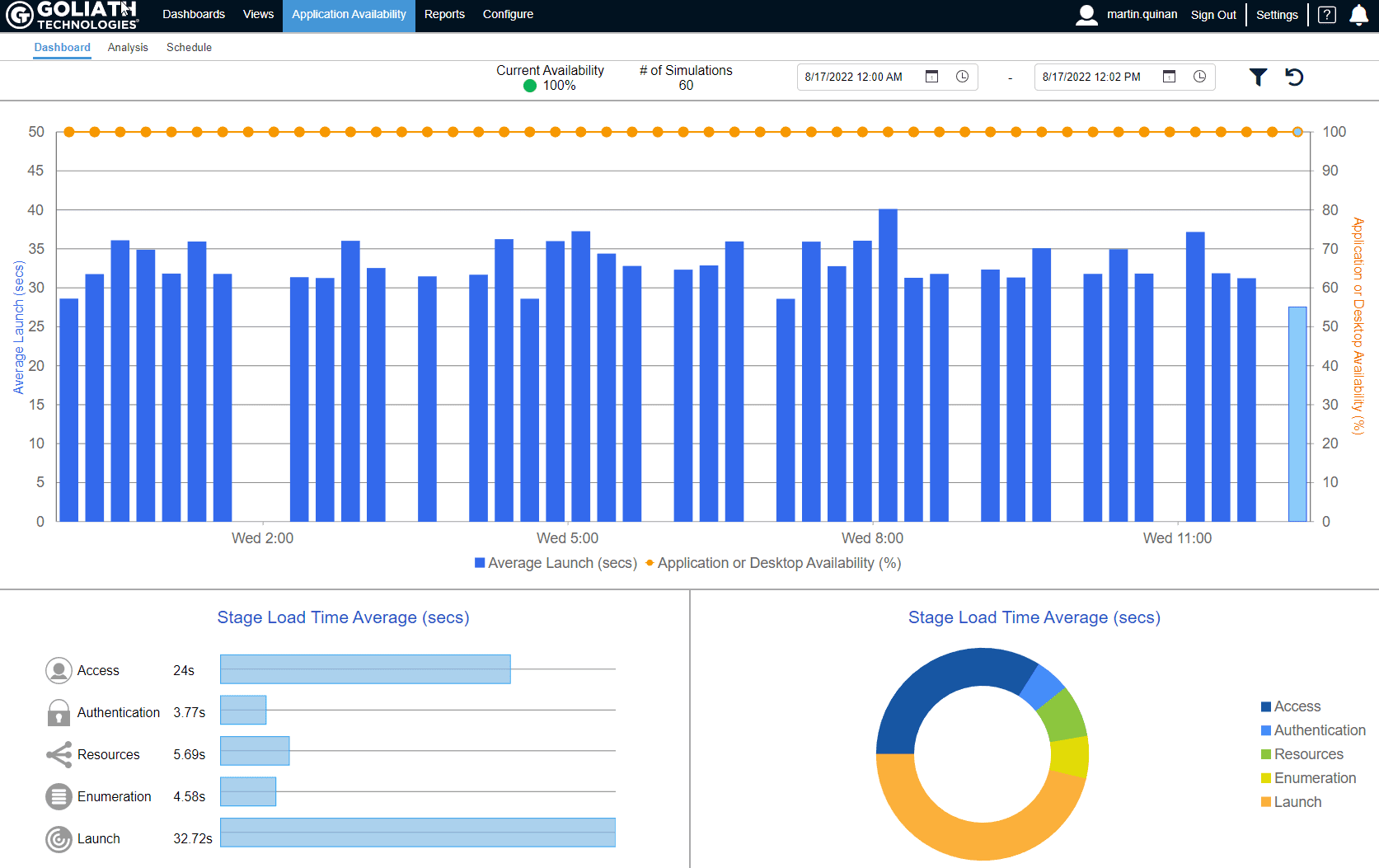
Application Availability
Monitoring
Ensure business and clinical applications are always available and get alerts with screenshot evidence if there is an issue, so remediation can occur before end users are impacted.
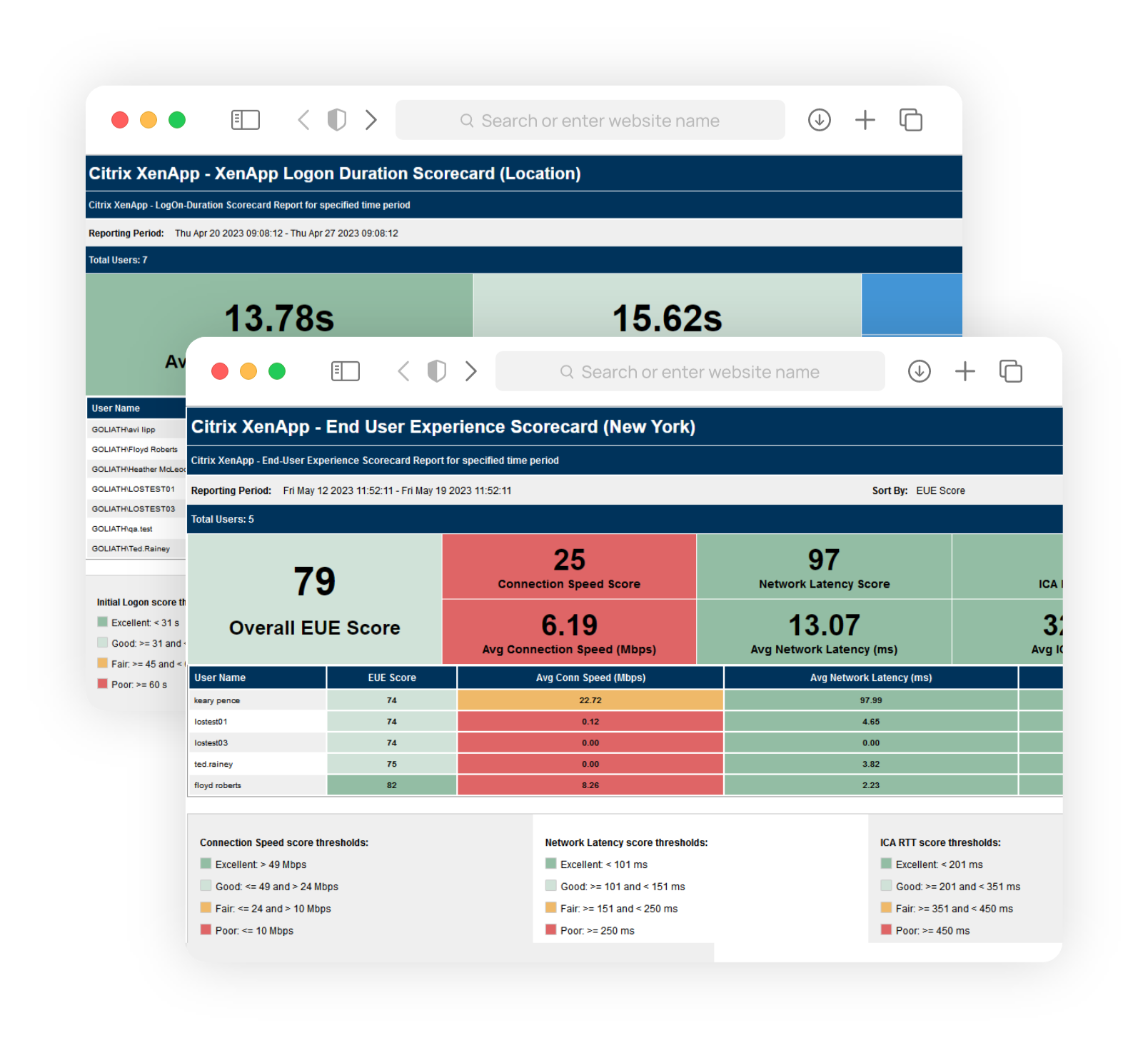
Reporting & Analytics
Over 60 out-of-the-box reports and scorecards give you complete insight into your IT delivery infrastructure and benchmark your end user experience against industry standards so you can objectively show true end user experience.

Embedded Intelligence & Automation
Out-of-the-box, our software automatically discovers and maps what to monitor, correlates data across the delivery infrastructure, intelligently interprets metrics, and alerts when prebuilt thresholds are exceeded.

Reduced Remediation Times
Easily pinpoint the true root cause of end-user experience issues so you can quickly & permanently resolve them.

Advanced Reporting
We collect, correlate, and display industry-only metrics to let you report objectively on the true state of end-user experience.

Self-Healing & Remediation
Self-healing capabilities with on-demand and advanced remediation actions let you resolve issues both proactively and in real time.

Single Pane of Glass
Access all that Goliath has to offer from a single console, no need to open multiple windows or applications.
Our Clients

Learn More About Goliath



Try Goliath For Free
Experience true end user experience monitoring and troubleshooting free for 30 days.